
-
 PHOTO
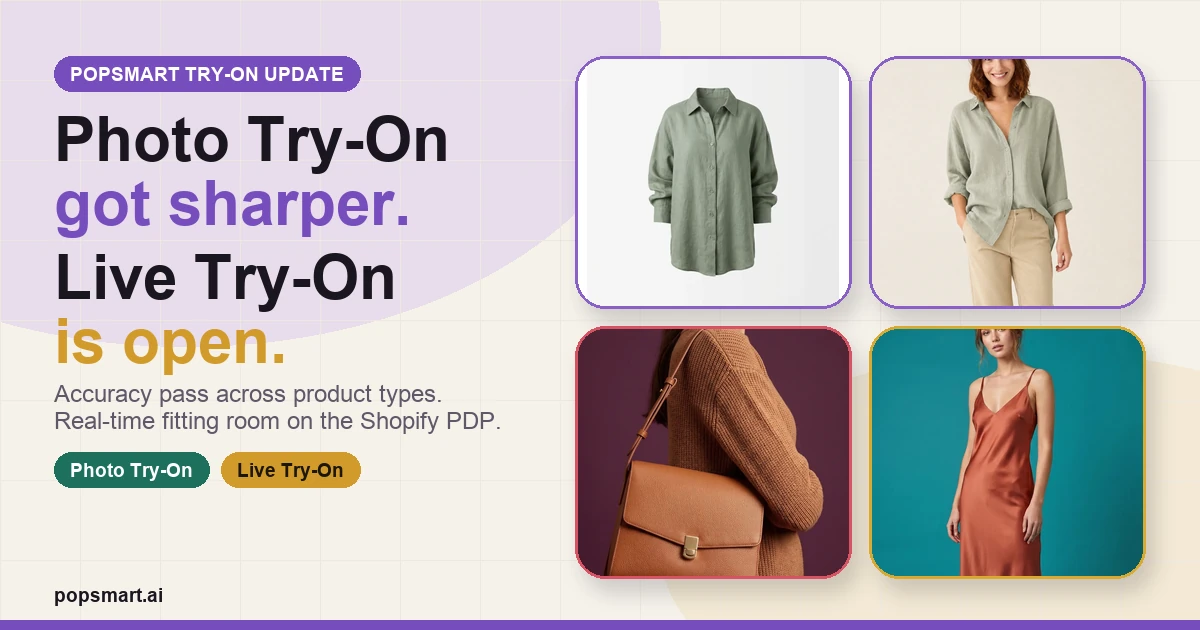
Photo Try-On accuracy pass and Live Try-On launch card
First-party PopSmart product visuals composed into the update card.
PHOTO
Photo Try-On accuracy pass and Live Try-On launch card
First-party PopSmart product visuals composed into the update card.
-
 PHOTO
PopSmart virtual try-on product card
The public product visual for the Live + Photo Try-On page.
PHOTO
PopSmart virtual try-on product card
The public product visual for the Live + Photo Try-On page.
I changed two things in PopSmart Try-On.
The first is not a new button. It is an accuracy pass.
Photo Try-On is now much more stable across product types. The goal was not to make one clean apparel example look good. That is too easy to overfit. The harder version is making the try-on path behave across the catalog: garments, product shapes, model poses, and the less perfect inputs that real Shopify stores already have.
The second change is more visible: Live Try-On is now open.
Shoppers can open a fitting-room modal from the product page, see the product update in a real-time camera flow, keep the same product context, choose quantity, and add the item to cart from inside the modal.
The current page is here:
https://popsmart.ai/virtual-try-on/
And the demo product page I used while checking the flow is here:
https://demo.popsmart.ai/products/coastal-linen-shirt?variant=54558344544578
Why the accuracy pass mattered first
Virtual try-on is easy to demo badly.
A single perfect product, a single model, and a single marketing image can make the feature look ready before it is actually useful. That is not the bar I wanted for PopSmart.
For a Shopify merchant, the feature only matters if it can survive ordinary catalog variance. Product photos are uneven. Apparel categories behave differently. Accessories do not follow the same visual rules as shirts. Some products need an on-model result. Some need a clearer product-placement result. Some simply need to avoid obvious visual drift.
So the Photo Try-On work focused on stability across product types, not just one clean hero case.
I am not treating this as “solved forever.” The better claim is narrower: the current version is much less brittle than the earlier photo try-on path, and it is good enough to put next to the new live mode instead of hiding behind a demo-only flow.
What Live Try-On changes
Photo Try-On is still the finished-image path. It is useful when a shopper wants a clean result, or when a store wants an output that feels closer to product imagery.
Live Try-On is different.
It moves the feature closer to the buying moment. The shopper does not leave the PDP. The modal keeps the product name, product image, quantity control, and add-to-cart action in the same surface. The camera stream becomes part of the decision flow, not a separate novelty page.
That distinction matters.
A product page already has a job: help the shopper decide whether to buy this product. Try-on should support that job. It should not create a second destination that steals the shopper away from the cart.
The product boundary
The update is deliberately small in scope:
- make Photo Try-On more accurate across product types
- open Live Try-On as a real-time modal on the product page
- keep both paths connected to the same cart action
That is the boundary.
The page also shows the broader PopSmart surface — on-model shots, scene generation, social-ready creative, and publishing channels — but this update is about the fitting-room path.
A merchant should be able to choose the mode that fits the storefront:
- Photo Try-On for a finished still result
- Live Try-On for a real-time shopper-facing flow
Both should make the product easier to evaluate without turning the product page into a detached AI playground.
What I am watching next
Now that both modes are open, the useful questions are operational:
- which product categories expose the next accuracy edge cases?
- do merchants prefer still results, live camera try-on, or both?
- does the modal help the cart flow, or does it need to be quieter?
- which screenshots and listing assets make the feature obvious before install?
That is the next loop.
The product is no longer just “AI product images.” It is moving toward a more direct Shopify job: let shoppers see the fit before they buy, then keep them close to the cart.