
Shoppers should not have to imagine how a garment might look on them. PopSmart AI Virtual Try On is a Shopify app for apparel merchants that puts an AI fitting room directly on the product page. The same app also turns existing catalog photos into on-model shots, product scenes, campaign designs, and social posts.
The product now has one clear first job: help shoppers see the look before they buy. The visual-production tools sit behind that promise, giving the merchant a way to create the rest of the imagery without starting another photoshoot.
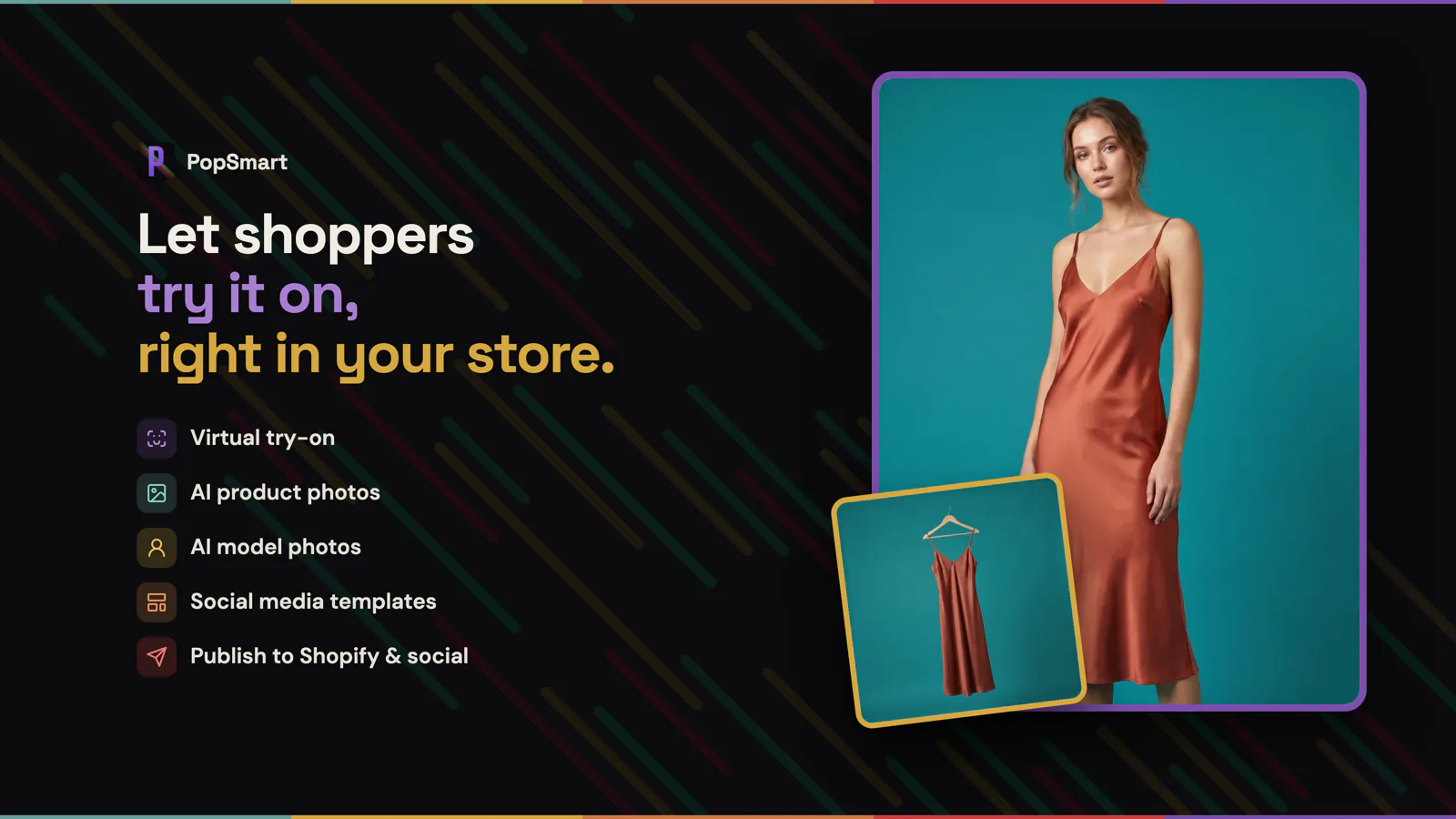
Virtual try-on leads the product; AI product photos, model images, templates, and publishing complete the workflow.
Turn a product page into a fitting room
Static product photos can show the fabric, color, and cut. They still leave the shopper with the hardest question: how will this look on me?
PopSmart adds a Virtual Try-On block through Shopify’s theme editor. The app syncs the store’s catalog, and the merchant places the block on the product page without editing Liquid. Shoppers can choose an AI model or upload a photo, generate the look, compare another result, and save or share it without leaving the page.
The goal is simple: replace fit guesswork with a useful preview before checkout.
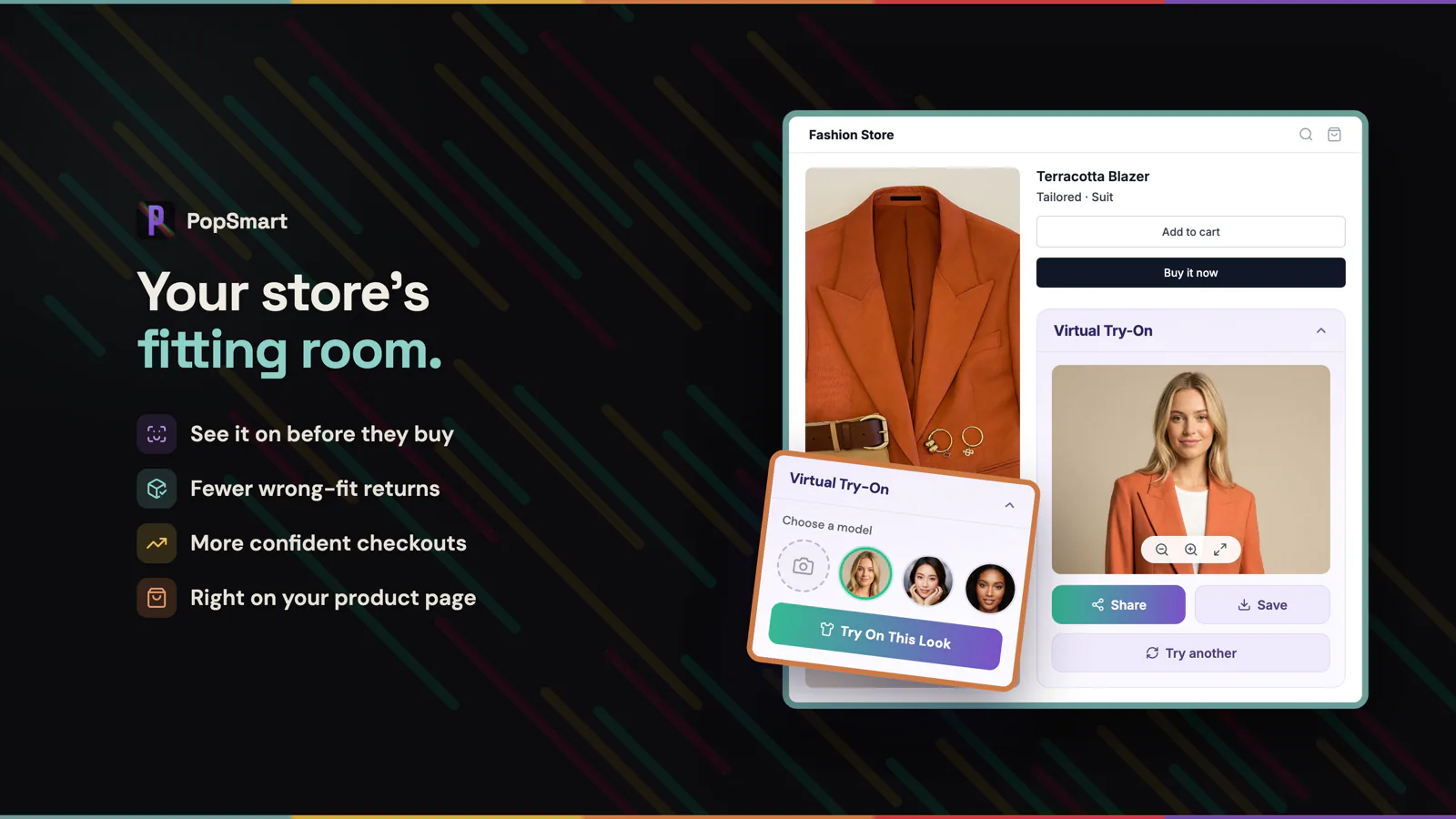
The fitting room lives on the product page, so shoppers can preview the look without leaving it.
Shopper photos stay temporary
A virtual fitting room only works if shoppers can trust it with their image. Uploaded photos are stored privately, accessed through one-hour signed URLs, stripped of EXIF and GPS metadata, and deleted automatically within 24 hours. They are not used to train AI models.
Create the model shoot from the same catalog
The storefront widget is only one side of the app. Inside Shopify, merchants can choose from 80 AI models or bring their own, select from 14 poses, and generate images up to 4K. Batch generation makes the workflow useful across a collection instead of limiting it to one hero product.
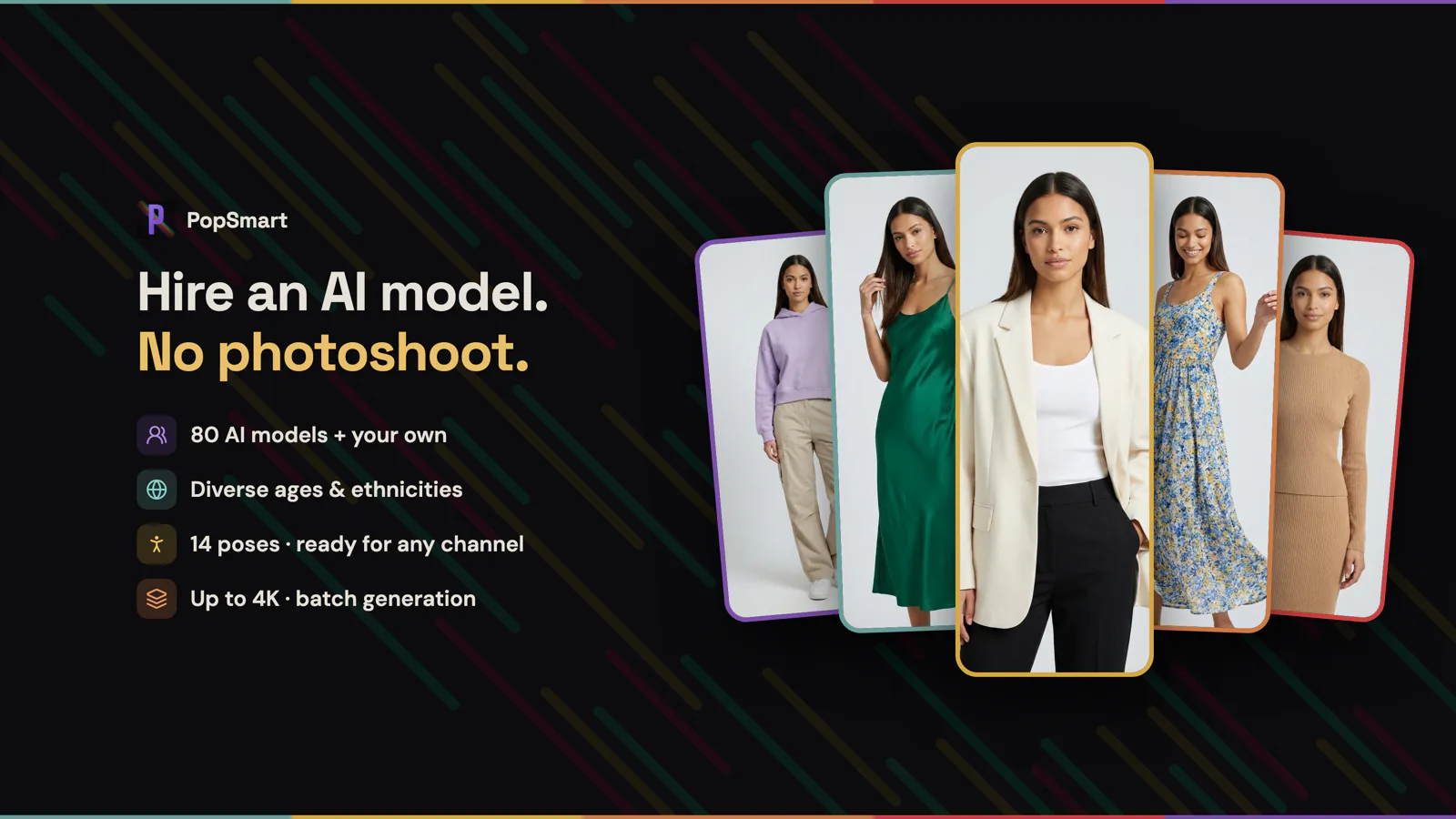
Choose from 80 AI models or use your own, then generate across 14 poses at up to 4K.
One upload, fourteen product-photo tools
Not every product needs a person in the frame. PopSmart also handles background removal, new scenes, realistic shadows, flat lays, on-hanger shots, multiple angles, color variants, and retouching. One catalog image can become the starting point for a product page, a collection launch, or a seasonal campaign.
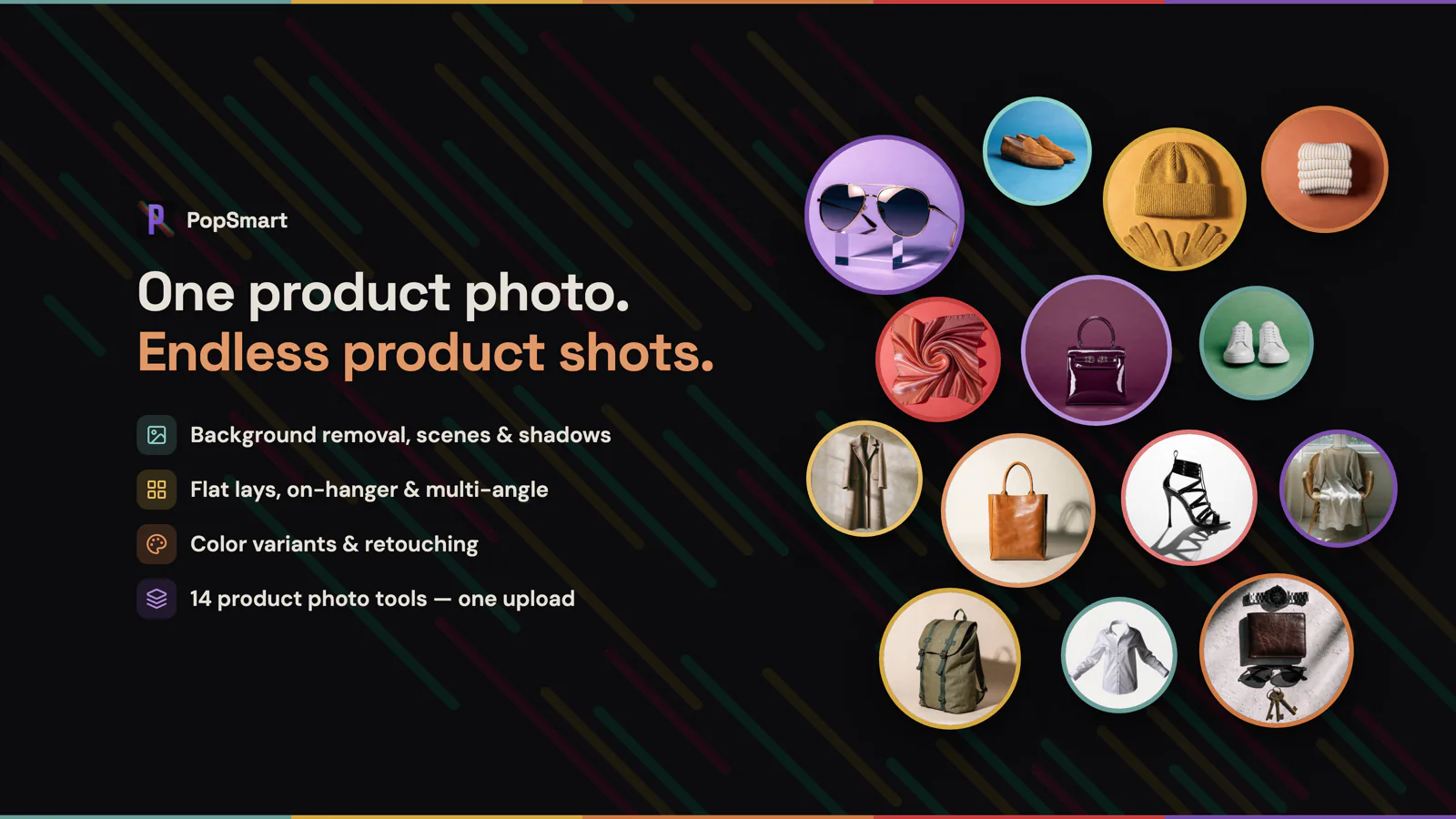
Fourteen product-photo tools cover scenes, shadows, display formats, color variants, and retouching.
Turn the approved image into a campaign
The template designer includes more than 120 templates and 300 stickers. Merchants can add text, logos, and brand colors, then apply the design to an approved image without moving the asset into a separate design tool.
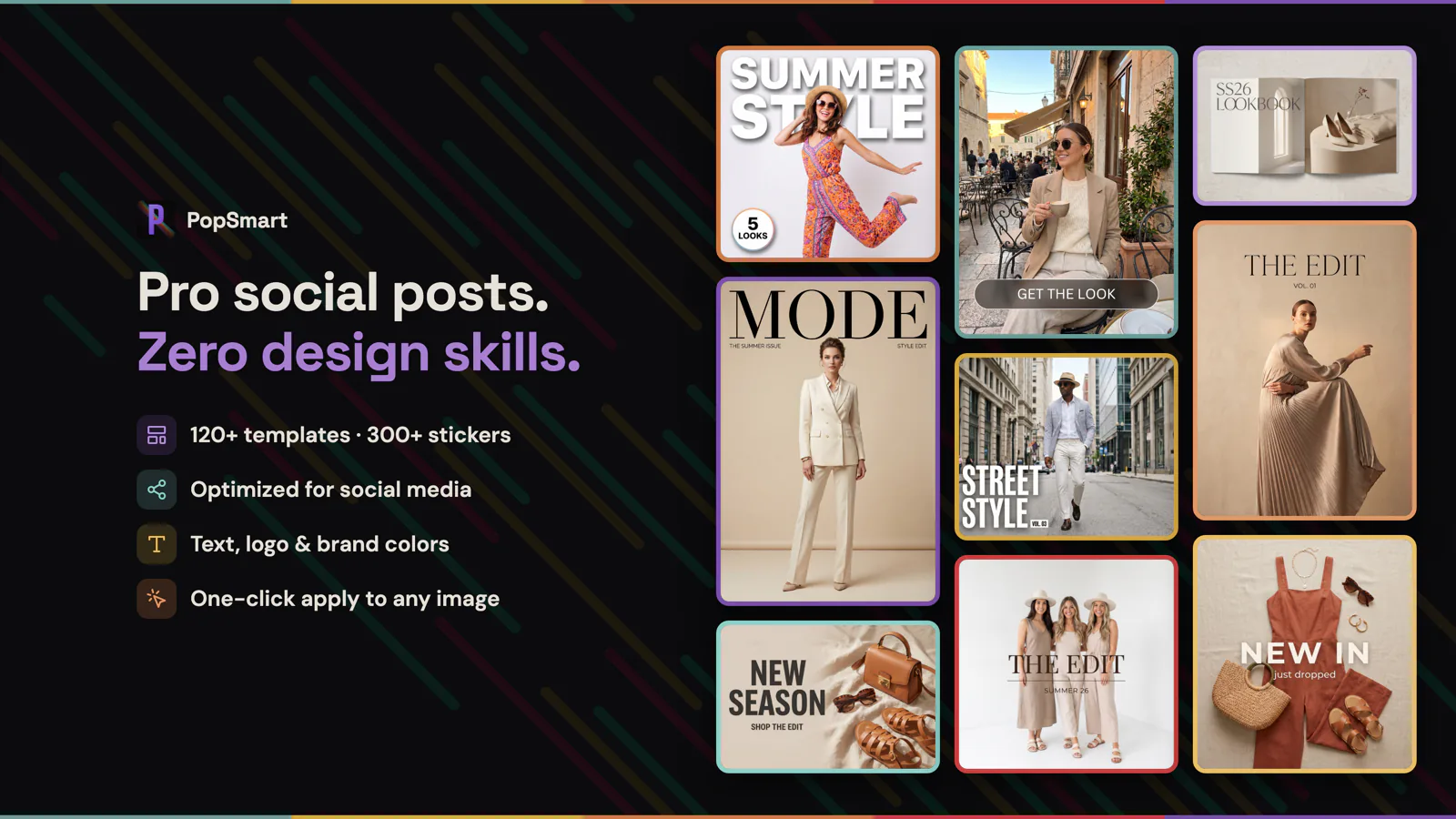
More than 120 templates and 300 stickers turn generated images into branded social creative.
Create once, publish where the product sells
Publisher sends finished assets to Shopify, Instagram, Facebook, and Pinterest. It can generate captions, alt text, and SEO copy, crop for each destination, and publish carousels or multi-image posts. The image starts in the product catalog and returns to the storefront or campaign channel ready to use.
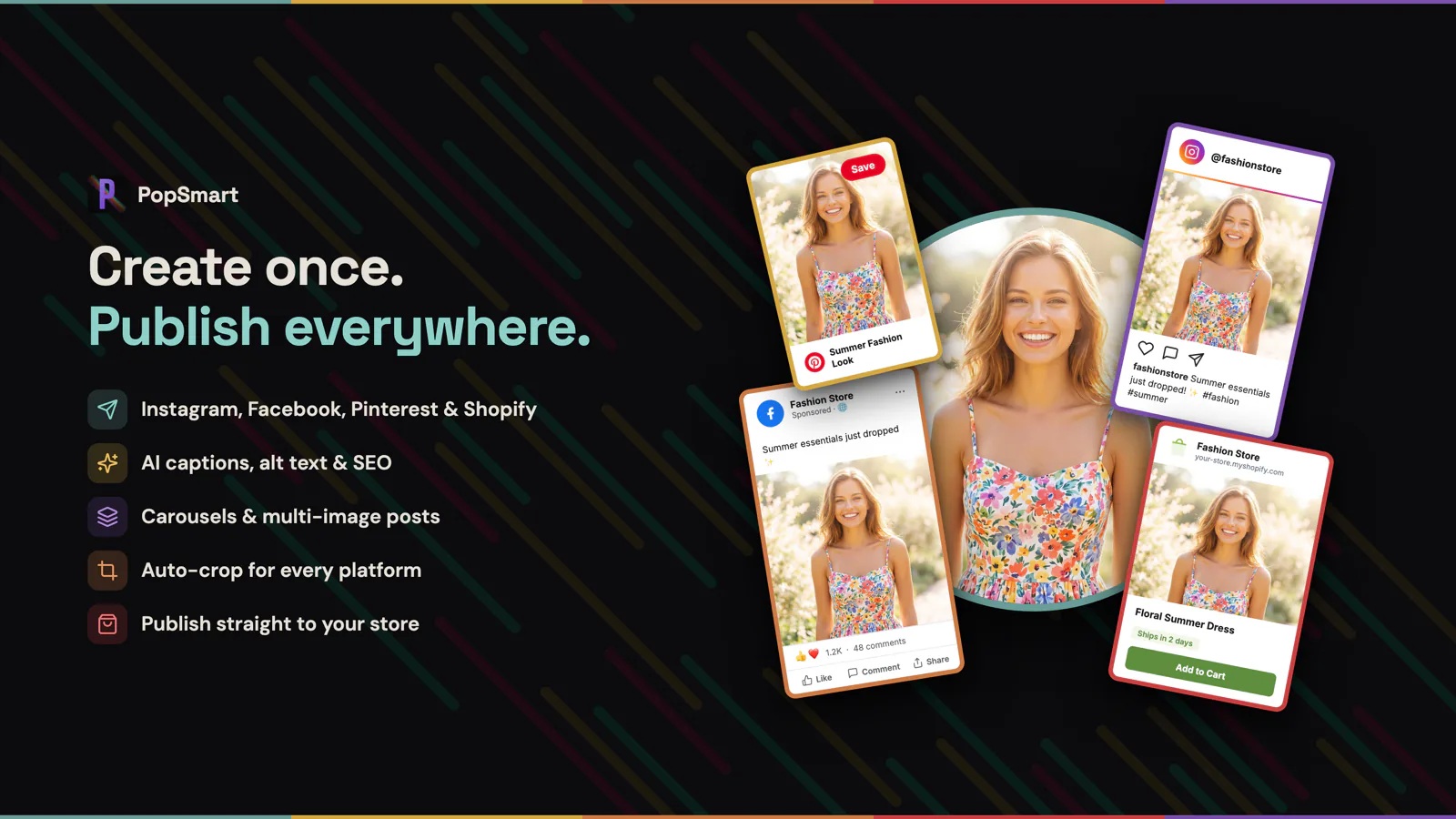
Publish to Shopify and social with channel-ready crops, captions, alt text, and SEO copy.
Free to try, then priced by monthly credits
The Free plan includes 100 credits each month. Starter is $19.99 per month for 1,500 credits, Growth is $49.99 for 4,500, and Pro is $99.99 for 10,000. Annual plans are discounted by 20% and grant credits every 30 days.
Subscription credits reset each billing period. Separately purchased credit-pack credits do not expire, so a merchant can keep a pack for a larger catalog update or campaign week.
Live now
PopSmart AI Virtual Try On is live on the Shopify App Store. The listing is the installation path. The demo store shows the shopper experience, while the product landing page carries the full feature, privacy, and pricing details.
Install from the Shopify App Store → Open the demo store → View the PopSmart AI Virtual Try On page →